
So, yesterday I started talking about my journey to complete digital photo organization–or something along those lines. After researching everyone else in the blogosphere’s methods, I came up with 3 main goals for my organizational strategy. It has to be…
- Safe.
- Easy for me to access.
- Easy for my family to access.
Today let’s focus on SAFE.
SAFE means that you don’t have to worry about them being lost. Or erased. Or deleted. Or having your only copy ruined by flood, fire, or a ravenous horde of locusts (they eat paper, ya know.) So the easy answer? Backup everything.
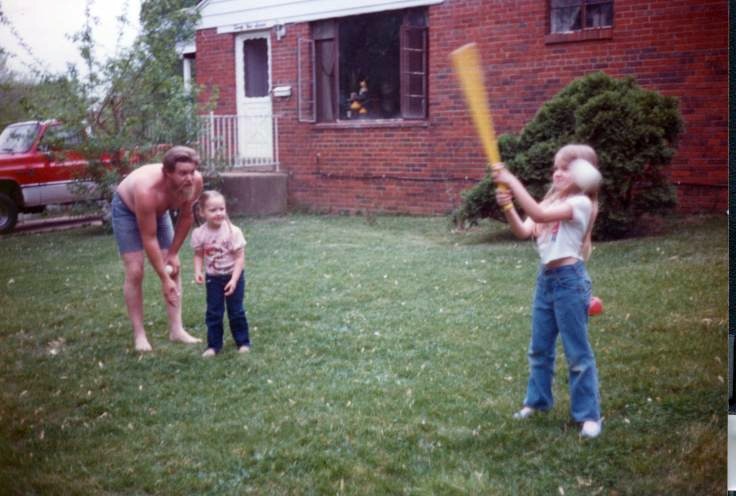
But to put first things first, that means you have to have everything. We’ll call this Principle #1. You may remember that Mr. Fix-It invested with/for me in a great new photo scanner not to long ago. I’ve started using it (and getting my sister to use hers!) to get all these old, only-one-copy-in-existence family photos safely digital.
And not only old pictures that were never digital, but newer pictures that someone shared with us in print form. Like this one from my surprise 30th birthday party Mr. Fix-It threw me a few years ago…
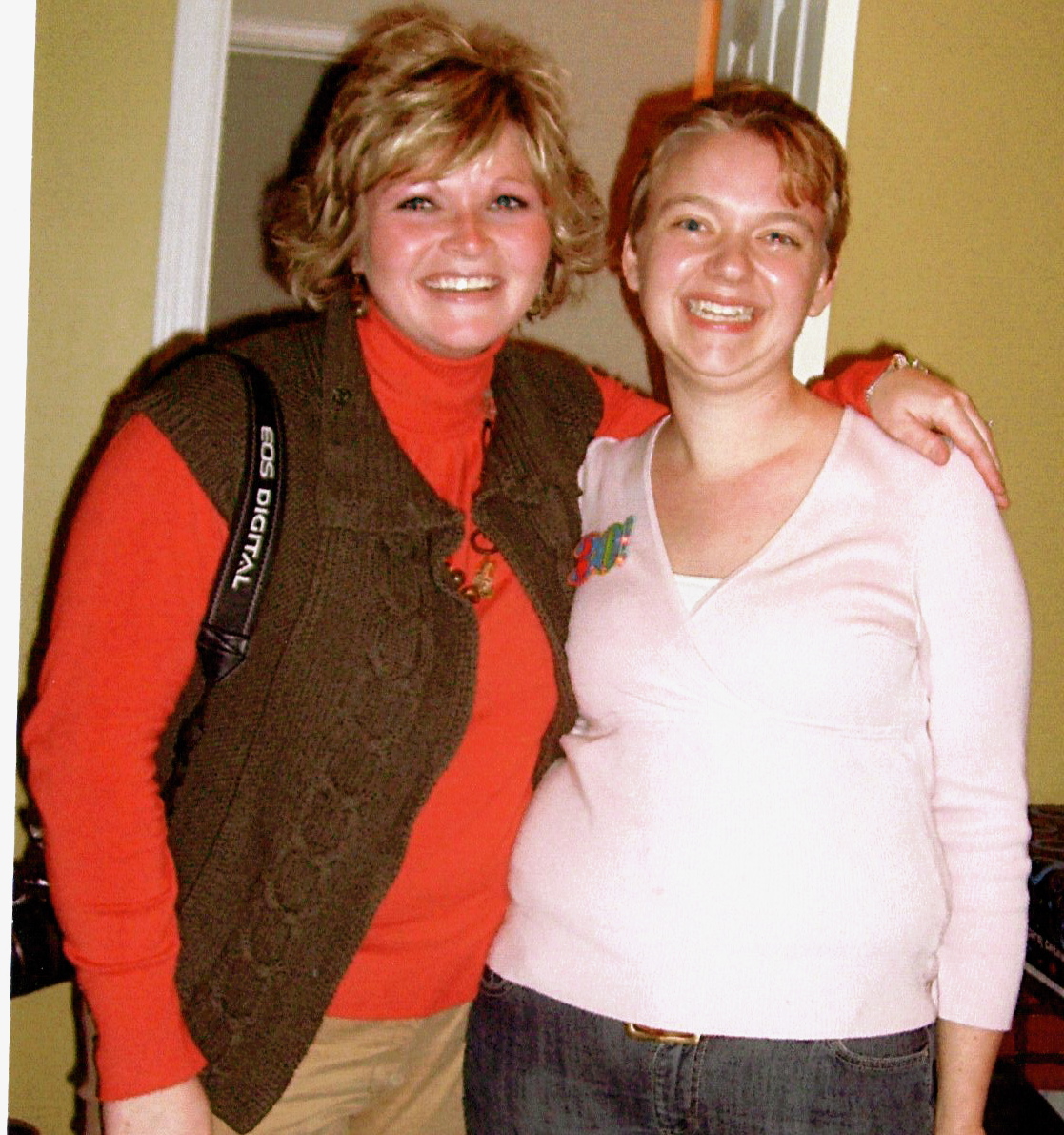
Now I have it saved and completely available digitally if I want to…oh, I don’t know…post it on my blog…or something. I have 3 full photo boxes and one disturbingly full Rubbermaid tote full of pictures from my parents’ house that I’m hoping to split with my sister this year and scan, scan, scan. I’ll sleep better at night knowing they are safely preserved in more than one format!

And for Pete’s sake, take them off the camera! The camera is not photo storage! And it’s certainly not a “safe” place for your pictures if you don’t want to lose them. (If you know me at all, you know I’m totally talking to myself here. I mean, doesn’t everyone fill up a 2GB camera disk before downloading her pictures?)

The second part to having everything means having it all in the same place. We’ll call this Principle #1a. Are you like me? Photos on your home computer…on your work computer…on CDs…uploaded to your web storage site…even on your phone. (Yes, again, including your camera!)

Over the Christmas holiday I managed to transfer all the pictures from my work computer, my email, and my backup CDs into my Flickr account. I still have to upload pictures from both of our laptops to complete my collection phase. Moving forward, the goal is to transfer any pictures we take to Flickr within 30 days (or less!) and delete them from everywhere else. I chose Flickr because it’s easy, my original account was free, and it interacts easily with Picnik for photo editing and WordPress for blogging. And I’ve been happy with it as I dive into it’s Collections and Sets organizing features.

Finally, you have to have several backup locations (let’s call this Principle #2), but only ONE organizational plan (Principle #2a). Our primary photo storage is (going to be) Flickr (and I’ll talk more about using Flickr in my next post) and our backup to Flickr is going to be CD, downloaded in 6 months increments. Our laptop photo program is going to be for editing pictures (which will then be uploaded to Flickr!). I’m also going to keep some general family pictures and rotate recent pictures on our laptop because Mr. Fix-It likes to use it to show visiting family and friends, but these will be deleted when they are replaced. Personal computers are just too prone to crashing to trust them with long-term photo storage.

Principle #2a is just this–use one overall system for tagging, naming, saving, and organizing pictures. The hierarchical folder naming and photo tagging system we use on Flickr will trickle down as the same hierarchical system we’ll use on our backup CDs. And it’s the same naming system we’ll use for the photos stored on our laptop–even if they seem a little strange since they won’t always be in order.

The whole key here is self-discipline–which clearly I lack or I wouldn’t be playing catch up with this issue 10,000 pictures later!
You have to be disciplined to download off your camera regularly. You have to be disciplined to backup your pictures regularly.
And you have to be disciplined to DELETE your pictures. Yep, delete. Delete, delete, delete. The essential step in photo organizing is deleting the garbage. More on that next week.
But before that, be sure to stop by on Monday to see how the Speedracer’s “antique monster truck” birthday cake turned out!
